Frequently Asked Questions
Face Crop Studio is a browser tool for batch face detection and cropping for passport, badge, and ID work. Face detection and cropping run on this device. Background removal is included in every license. Demo exports can show an abhishekid.com watermark until you activate a key. Contact us.
Facts
- What is it?
- A browser batch face detect and crop tool for passport, badge, and ID photos.
- Where does face work run?
- Face detection and cropping run on this device, in the browser.
- When did the public site start?
- 31/12/25 — see Our journey for dated milestones. Our journey
- Who builds it?
- AbhishekID. Support: support@facecrop.abhishekid.com.
- Is background removal included?
- Yes. Background removal is included in every Face Crop Studio license — no per-image add-on.
- What is it not?
- Not a cloud face-detection API, and not a program you install on a computer.
How to use the app
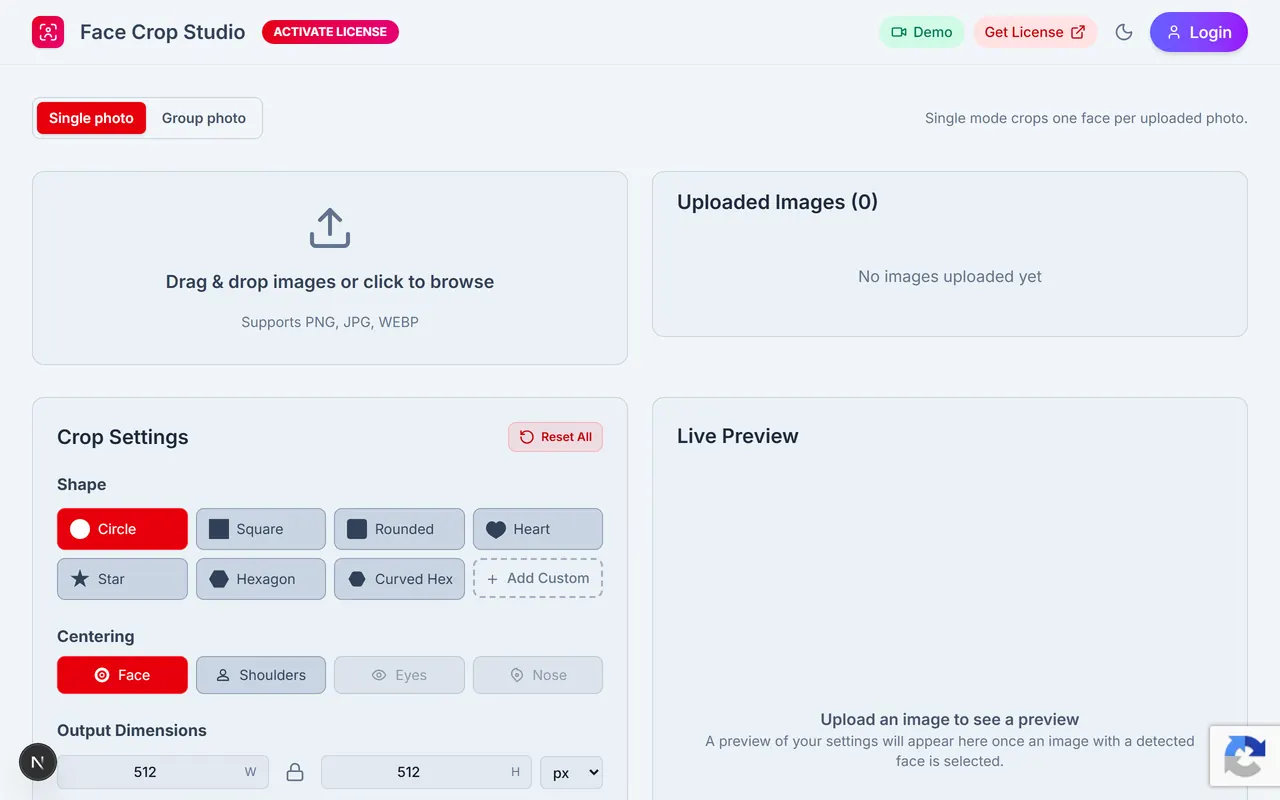
Step 1
Open the app
Open Face Crop Studio in the browser. Prefer a current desktop Chrome or Firefox.
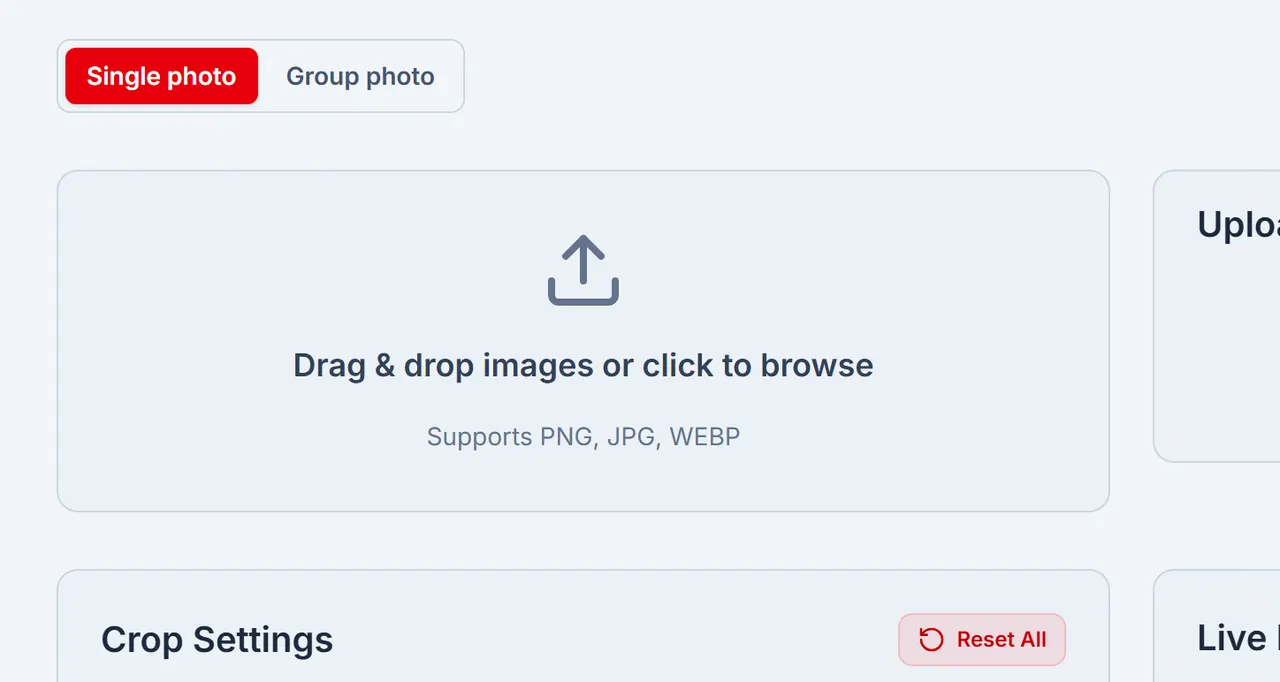
Step 2
Drop photos
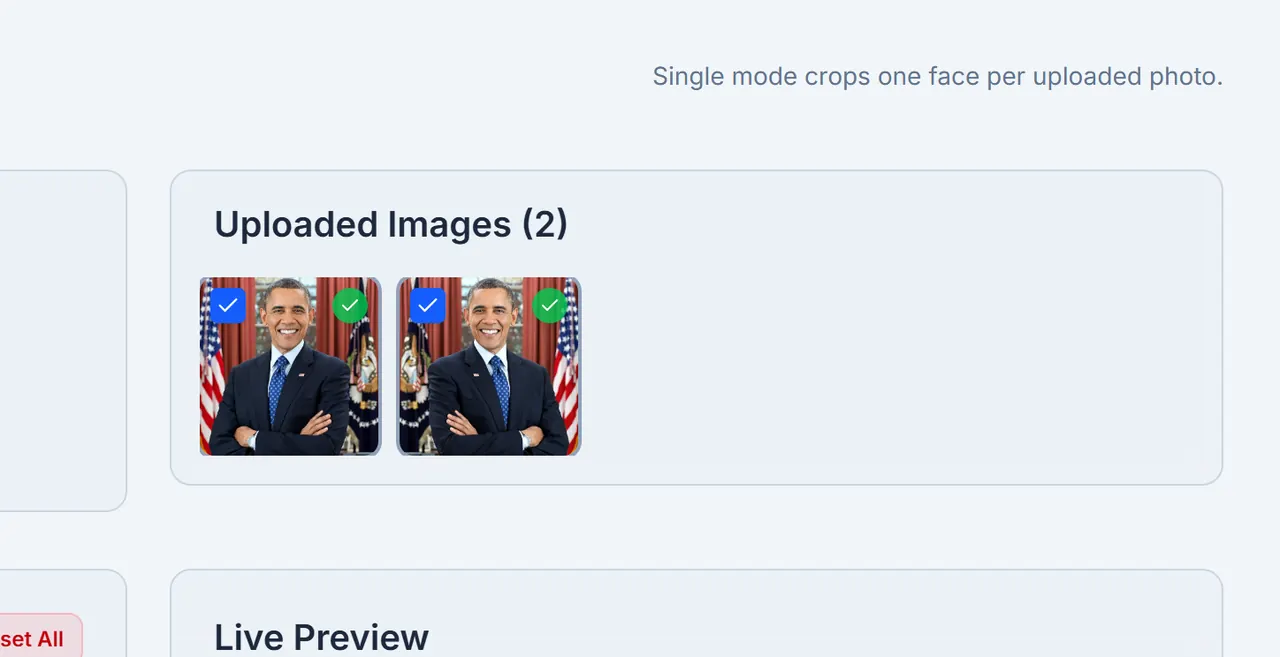
Drag PNG, JPG, or WEBP files onto the upload card. Photos for face detect and crop stay on this device.
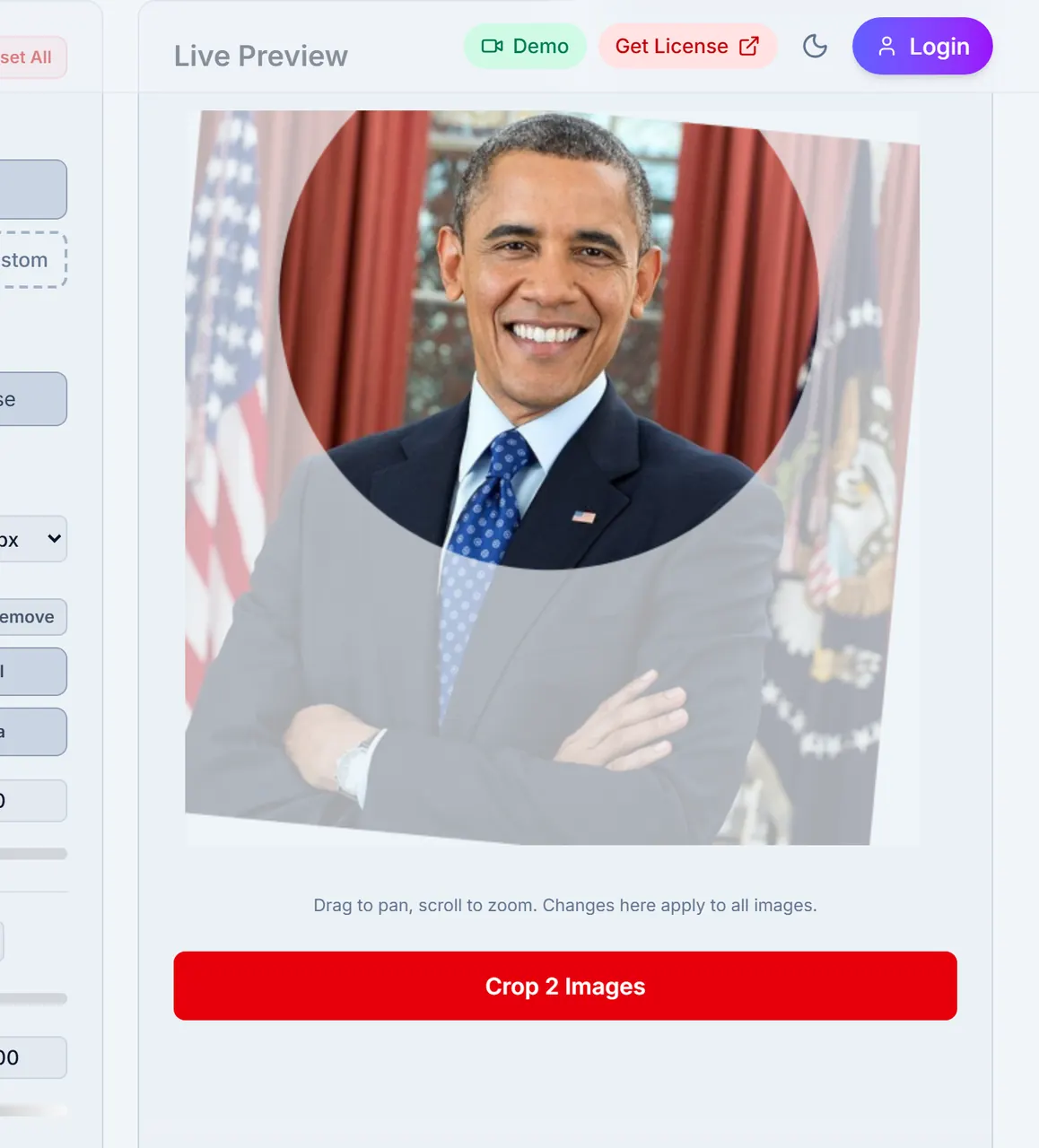
Step 3
Face detect and preview
On-device AI finds faces and shows a live preview before you crop the batch.
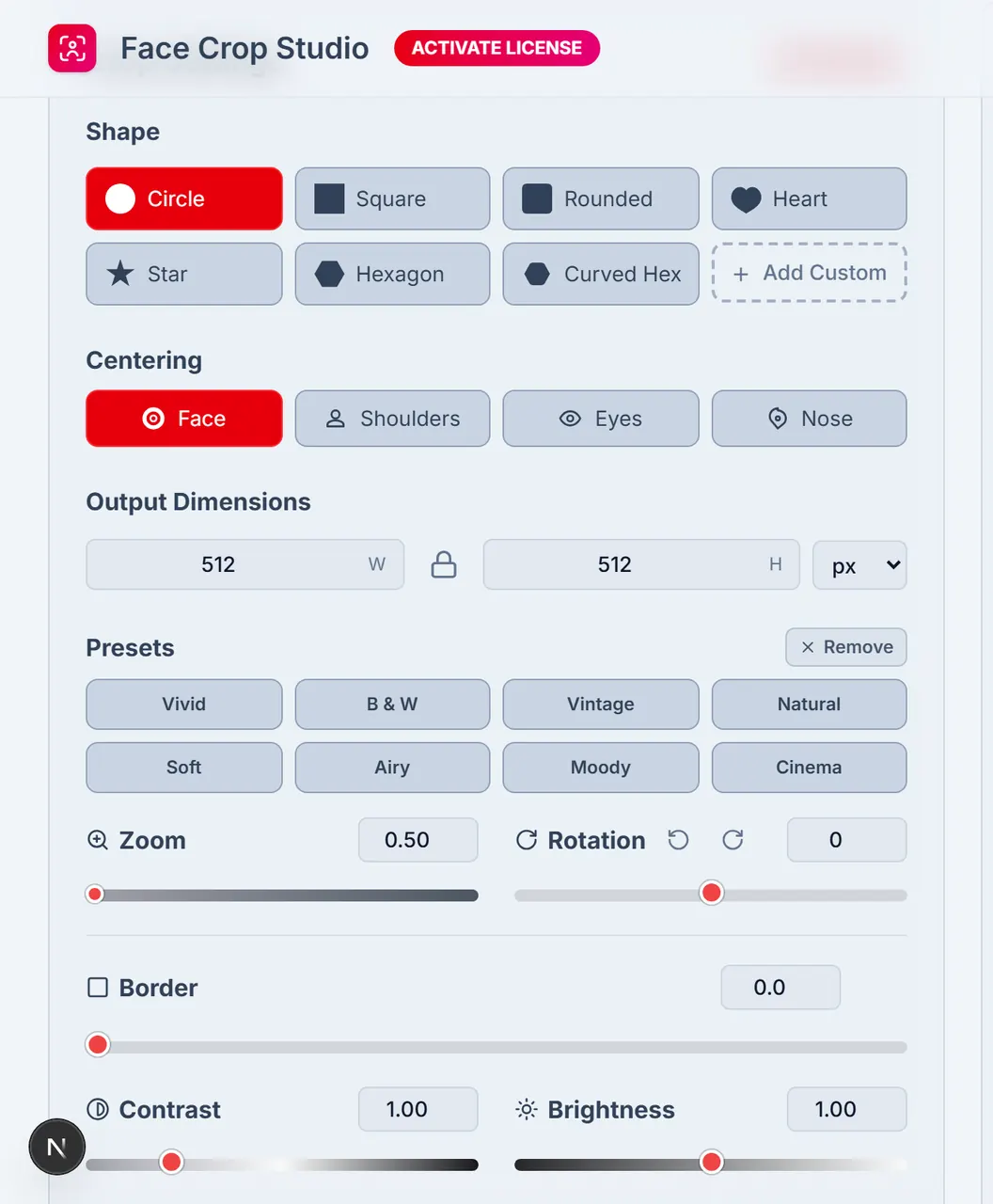
Step 4
Crop Settings
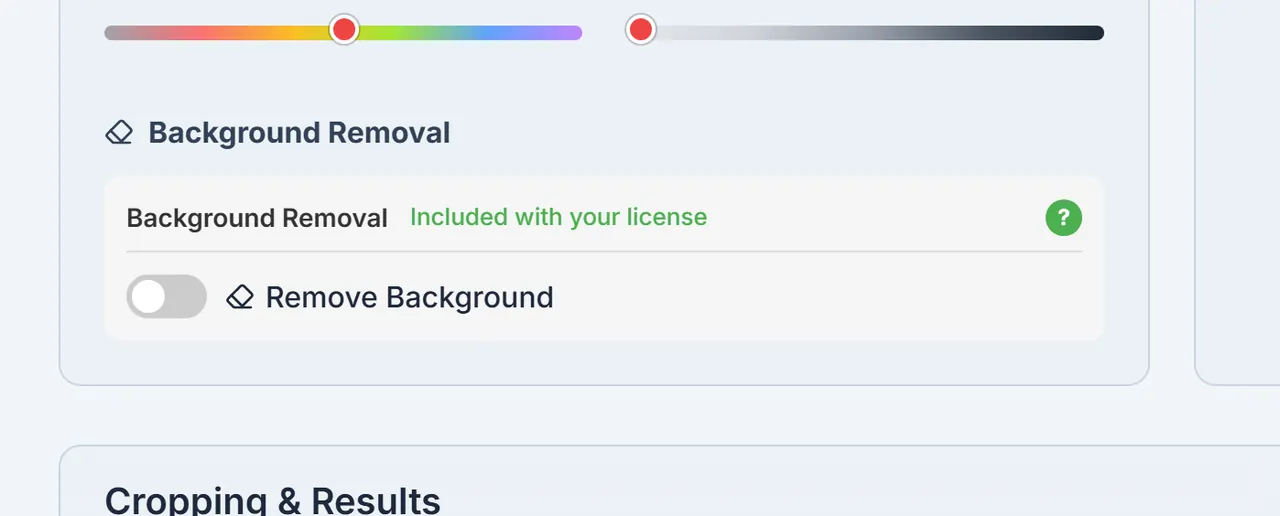
Set shape, size, centering, and optional background removal for the whole batch.
Step 5
Background removal
Turn on background removal in Crop Settings when you need a clear or coloured backdrop. Included in every license.
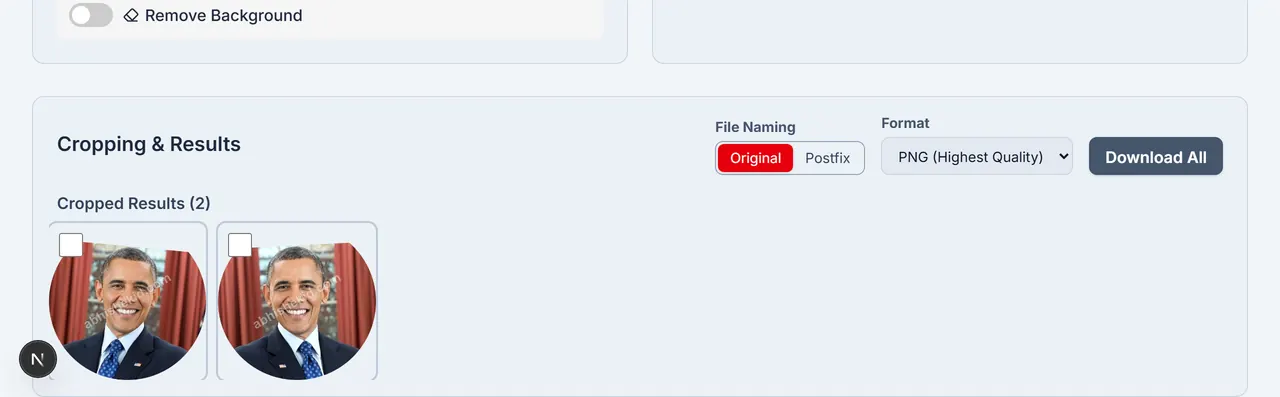
Step 6
Download
Download one image or a ZIP of the batch. ZIP download asks you to sign in.
General & Getting Started
What is Face Crop Studio?
Face Crop Studio is a browser-based tool that detects faces in multiple images and batch-crops them into uniform passport, badge, and ID-style portraits with customizable settings. Face detection and cropping run on this device.
Do I need an internet connection to use it?
You need a network connection to load the app, activate a license, sign in for ZIP download, and use optional cloud background removal when that path is enabled. Face detection and cropping themselves run on this device in the browser.
Is there a cost to use the app?
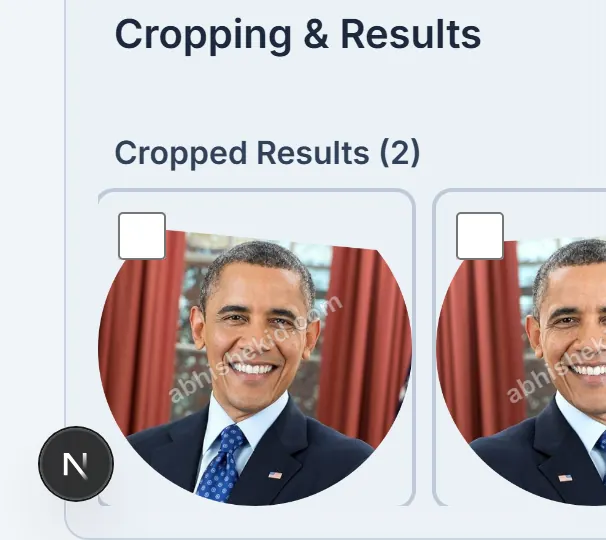
You can try Demo Mode for free with all features. Demo exports may include an abhishekid.com watermark. Activate a purchased FCS license key to remove the watermark for the license period.
I'm new. Where do I start?
Open the app and drag photos onto the upload area. The app detects faces, then you adjust Crop Settings and crop the batch. A guided tour and video tutorial are available if you want a walkthrough.
Uploading & Image Support
What image formats can I upload?
PNG, JPG, and WEBP.
Is there a limit to how many images I can upload at once?
There is no hard limit. Performance depends on your device. The app is built for large batches.
What happens to my uploaded images? Are they stored anywhere?
Face detection and cropping run in your browser — those photos stay on your device for that work. If you opt into cloud background removal, only the already-cropped portrait is sent for that step (never a full group sheet). We do not store your images on our servers.
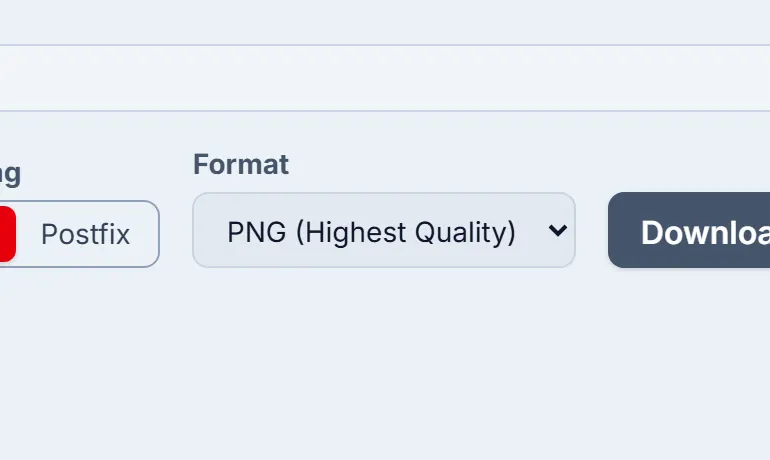
Why does the output format default to PNG?
PNG keeps transparency for shaped crops. When you download a ZIP you can choose JPG for smaller files.
Face Detection & Cropping
How does the automatic face detection work?
A browser-based MediaPipe model finds faces and landmarks (eyes, nose) on this device.
Why did the app fail to detect a face in my image?
Detection works best on clear, front-facing portraits. It can fail when a face is tiny, obscured, extreme-angle, or very low resolution.
What can I do if face detection fails?
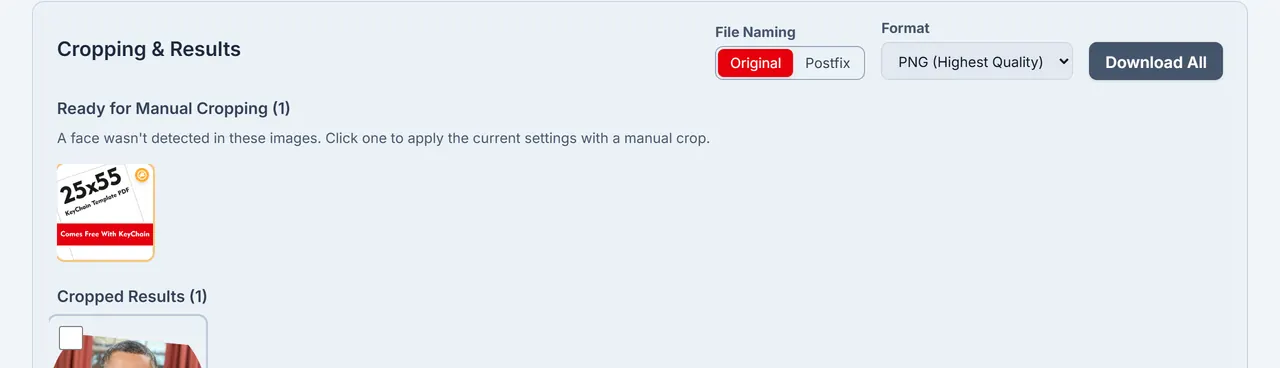
Failed images appear under Ready for Manual Cropping. Open one and place the crop frame yourself.
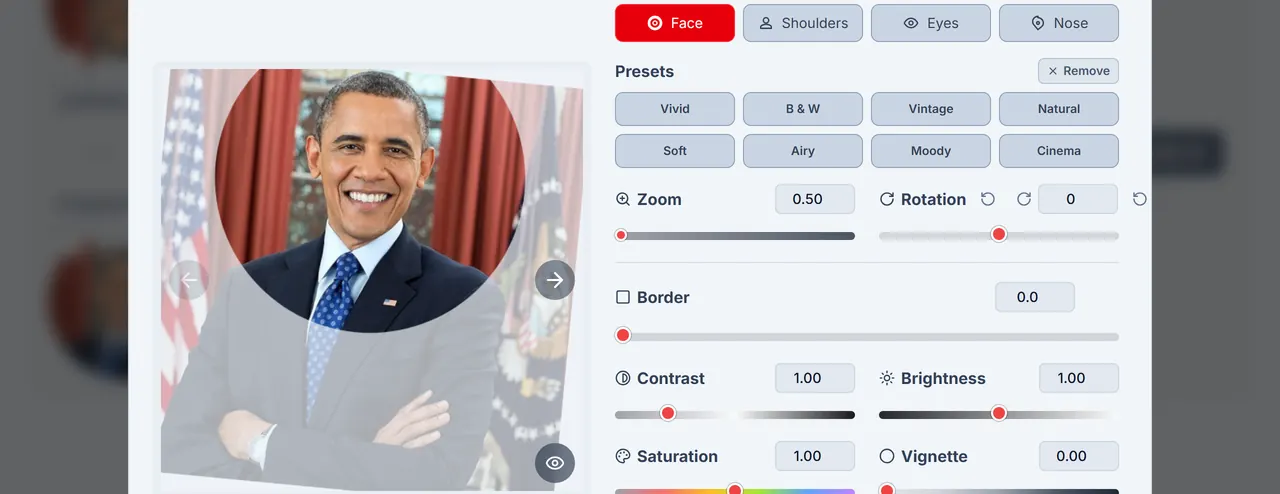
What do the different "Centering" options do?
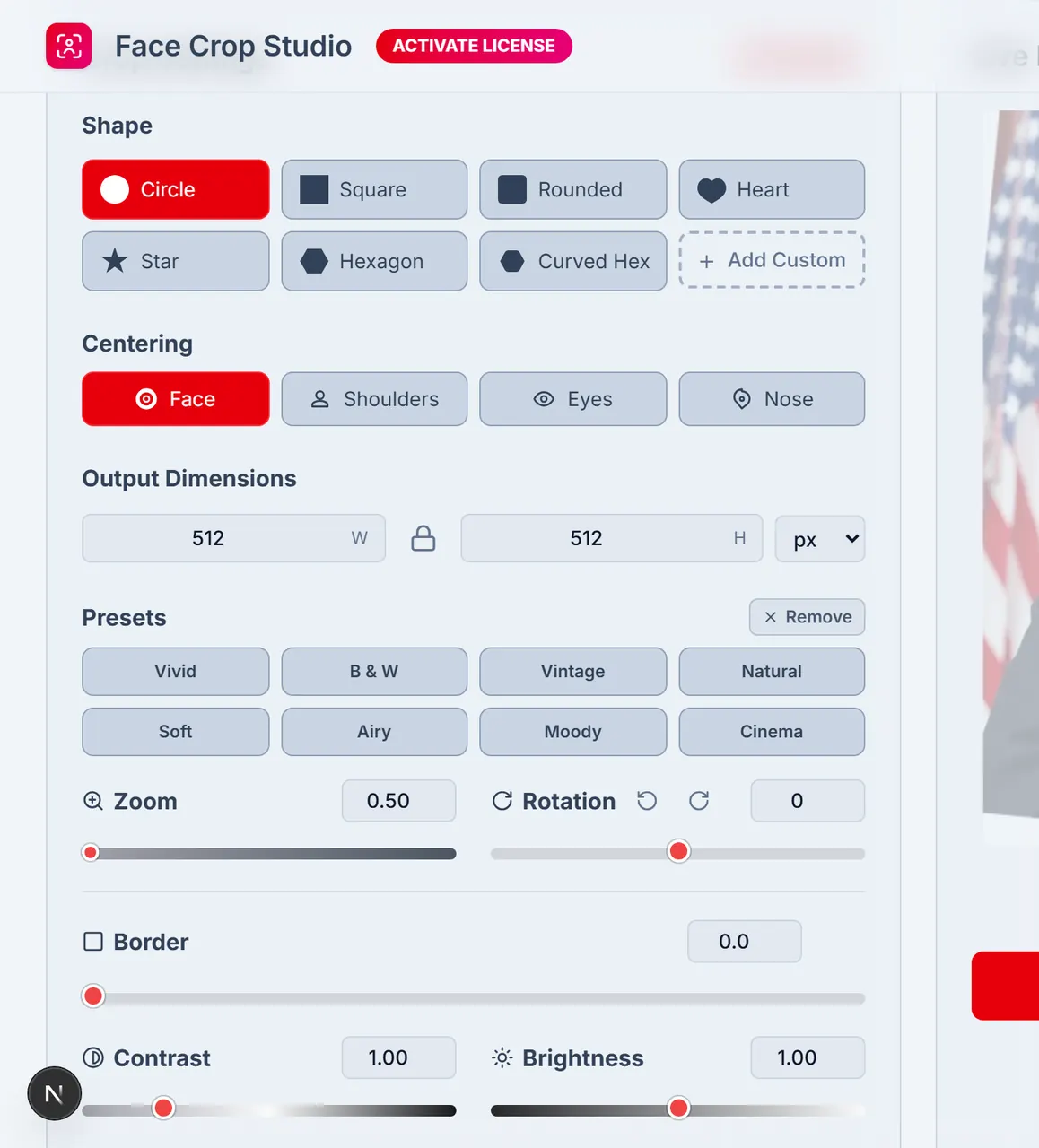
• Face: center on the face box. • Shoulders: zoom out and shift down for a passport-style head-and-shoulders frame. • Eyes: center on the midpoint between the eyes. • Nose: center on the nose tip.
Customization & Settings
Can I use my own shapes for cropping?
Yes. Upload an SVG or paste SVG path data for a custom crop shape.
What's the difference between the "Crop Settings" and the "Adjust" window?
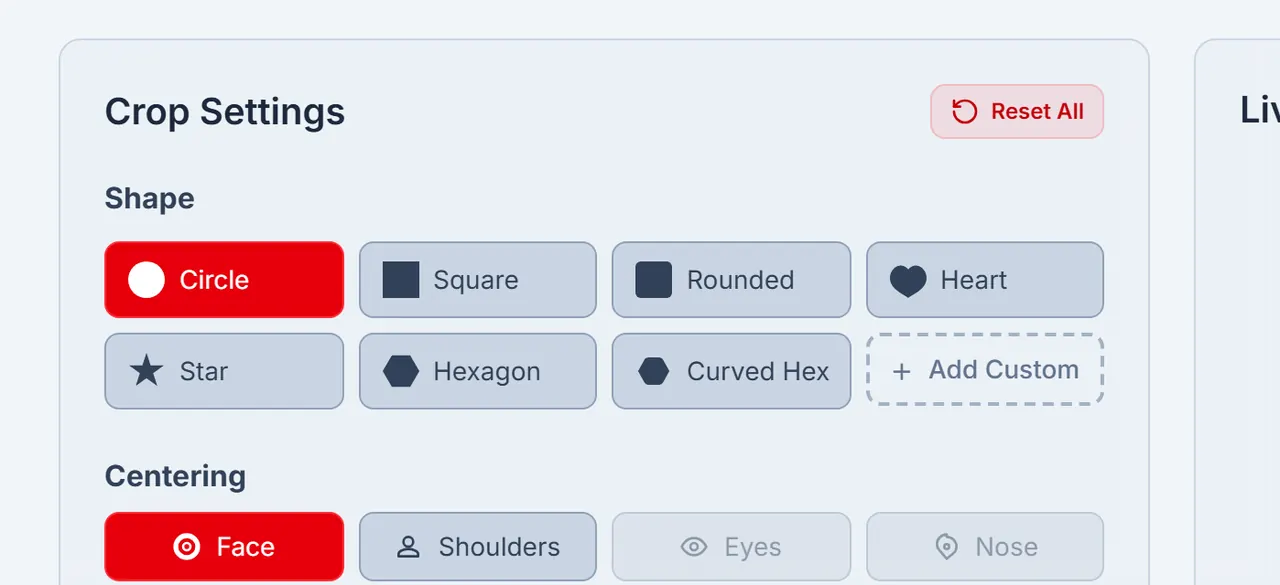
Crop Settings apply to the whole batch. Adjust (from a result) fine-tunes one image after the batch crop.
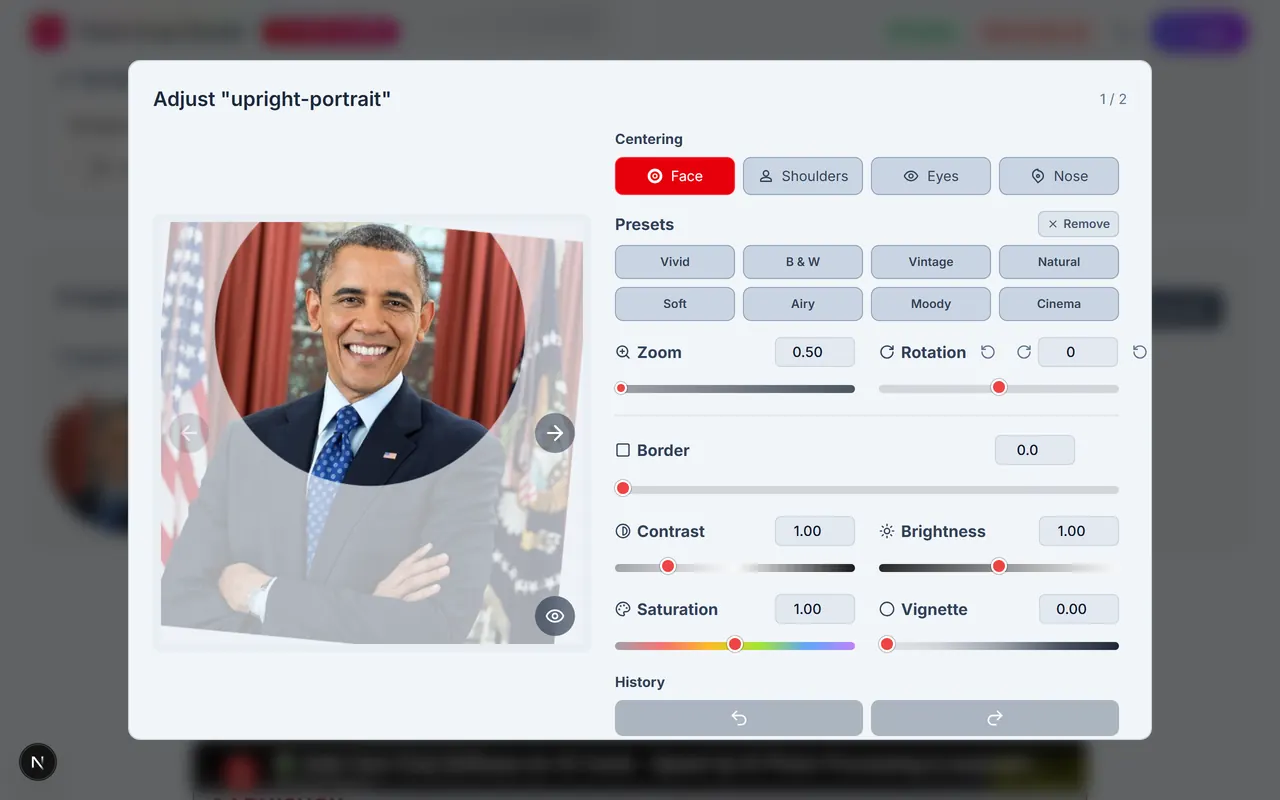
How do the one-click Presets work?
Presets such as Vivid, B&W, or Moody apply a saved set of contrast, saturation, and brightness adjustments.
What does locking the aspect ratio do?
With aspect ratio locked, changing width updates height (and the reverse) to keep proportions.
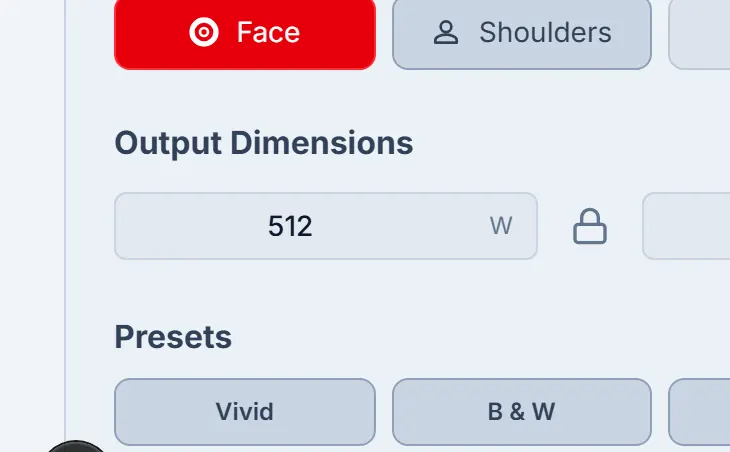
What is DPI and why does it matter?
DPI matters for print. Set size in inches or cm with a DPI (for example 300) so pixel dimensions match physical media.
Editing, Results & Downloading
My batch crop is done. Can I still make changes to one image?
Yes. Click a result to open Adjust and change zoom, pan, rotation, and colour for that image.
How do I select multiple images in the results panel?
Click selects one. Ctrl/Cmd+Click toggles. Shift+Click selects a range. Arrow keys and spacebar also work.
What do the batch actions on the floating toolbar do?
With several results selected, the toolbar can rotate the selection or clear it.
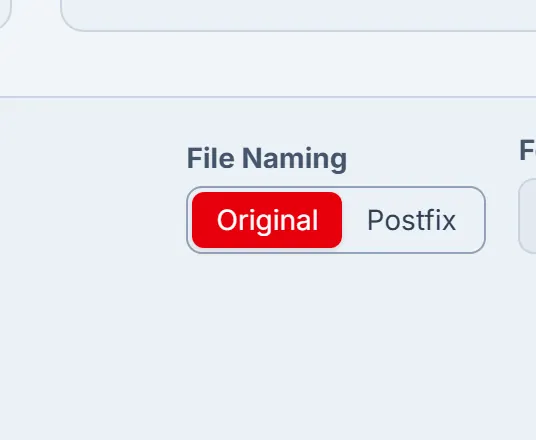
What are the different "File Naming" options for the ZIP download?
• Original: keep each source filename. • Postfix: append a suffix such as _cropped to each name.
Privacy & Security
Is my data safe?
Face detection and cropping happen on your device. Optional cloud background removal sends only the cropped portrait you choose — never the full group sheet — and we do not store your images.
Does the license key activation send any personal data?
Activating a license sends the FCS key to our servers so we can verify it (HMAC). That call is about the key string and account binding — it does not upload your face photos.
Background Removal
Is background removal included in my license?
Yes. Background removal is included in every Face Crop Studio license — 1 Month, 6 Months, 1 Year, and 2 Year plans. There are no per-image charges, no separate credit packs, and no background-removal add-ons. Activate your license once and use background removal as much as you need for the full license period.
How does Face Crop Studio protect my photos during background removal?
We value your privacy and the security of your data. Face Crop Studio is designed for sensitive portrait work — employee badges, student IDs, passport photos, and customer headshots. Background removal follows the same privacy-first approach as the rest of the app, so you can process batches with confidence.
Do I need to pay extra for background removal?
No. Unlike tools that charge per image or sell separate credit packs for background removal, Face Crop Studio includes unlimited background removal with every license. Your one-time license purchase covers batch cropping, face detection, and background removal — no hidden fees.
Can I use background removal for passport and ID photos?
Yes. Remove distracting backgrounds and export transparent PNGs or place subjects on a white background — ideal for passport photos, employee badges, student ID cards, and visa applications. Combine background removal with preset aspect ratios for compliant passport and ID dimensions.
Licensing & Demo Mode
What are the limitations of Demo Mode?
In Demo Mode every feature is available to try. Exports may include an abhishekid.com watermark until a valid license is active.
How do I activate the full version?
After purchase, open Activate License (or the DEMO MODE control), paste your FCS key, and activate. A valid key removes the watermark for the license period shown on the key.
Can I use my license key on multiple computers?
License terms may vary. Check the conditions at purchase. Keys are typically for a single user account.
I lost my license key. What should I do?
Email support@facecrop.abhishekid.com or the address on your purchase receipt and we will help.