How we built Face Crop Studio
Face Crop Studio is a browser tool that finds faces and crops photos in batches for passport, badge, and ID work. Face detection and cropping run in your browser — the photos for that step stay on this device. You can download one image or a ZIP. The public website started on 31/12/25. AbhishekID builds it.
Facts
- What is it?
- A browser face detect and crop tool for batch passport, badge, and ID photos.
- Where does face work run?
- Face detection and cropping run on this device, in the browser.
- When did the public site start?
- 31/12/25, when the marketing home and /app became separate routes.
- Who builds it?
- AbhishekID. Support: support@facecrop.abhishekid.com.
- What does it export?
- Individual images or a ZIP of the batch.
- What is it not?
- Not a cloud face-detection API, and not a program you install on a computer.
Then vs now
| Then | Now |
|---|---|
| Used first on our own jobs, in the browser, before a public marketing site. | Public website from 31/12/25 at facecrop.abhishekid.com. |
| Face detect, batch crop, and ZIP lived in one local app. | Studio at /app; Features, FAQ, Pricing, and how-to pages around it. |
| No split between a home page and /app. | License keys activate in the browser. Background removal is a separate step. |
What stays true
Face detection and cropping run in your browser. Background removal is a separate step — depending on the build it runs on this device or on our background-removal service. Face Crop Studio is not a cloud face-detection API and does not ask you to install a desktop package. Demo exports can carry a watermark. Write to support@facecrop.abhishekid.com.
In-house: we cropped our own batches first
Face Crop Studio started as a tool we ran on our own photo jobs. There is no dated private-beta announcement in this repo, so this page does not invent how long that period lasted — only that the work was in-house first. The job was practical: take a pile of portraits and turn them into consistent crops for passports, badges, and IDs without sending those faces to a detection API. Early builds already did the core loop in the browser. You dropped a batch of images. On-device face detection found a head. Crop settings set the box: aspect ratio, output width and height, and later a shoulders-style center that sits a passport photo the way a desk operator would. When the batch finished, you could pull one file or pack the set as a ZIP, including naming options for the archive. Custom sizes mattered because a school ID is not a 35×45 mm visa print, and a badge punch is not a 2×2 inch square. Operators who needed a white or clear backdrop still treated background removal as a later click, not as the thing that found the face. Demo mode watermarked exports so a trial was still a trial. None of that required an installer. The browser was the app. If a face was missed, the same batch stayed on the device so you could nudge the crop by hand instead of re-uploading a folder to someone else's detector. That local loop is still the spine of /app: detect, frame, crop, export.
Public site from 31/12/25
On 31/12/25 the repo split what people hit first. The marketing home moved to / and the working studio moved to /app. That is the dated start of the public website this page talks about — a commit that created the route pair, not a Hosting receipt. From that day the product had a place to explain passport and badge work, and a place to actually crop. License activation followed in the browser: paste a key, unlock the duration you bought, keep processing on the device for detect and crop. Pages for Features, Terms, FAQ, Pricing, and a batch-crop guide were added so buyers were not dumped into a blank canvas. Background removal grew a service path for when a build is configured that way, and later an on-device path beside it, still as a step you turn on in Crop Settings rather than a silent send of every face. ZIP download now asks you to sign in so a full archive is tied to an account, not to a tab that anyone can leave open. If the graphics context dies mid-batch, detection stops instead of marking every photo failed in silence. The public product is still Face Crop Studio in a tab — not a desktop package. Open the app when you have a folder to crop; use Pricing only if you already know you need a license duration. The screenshots on this page show each control inside enough surrounding UI so you can see where it sits in the product — not tiny button-only crops.
What changed since 31/12/25
31/12/25 · 5c0eb8c
The public site split into a marketing home and Face Crop Studio at /app.
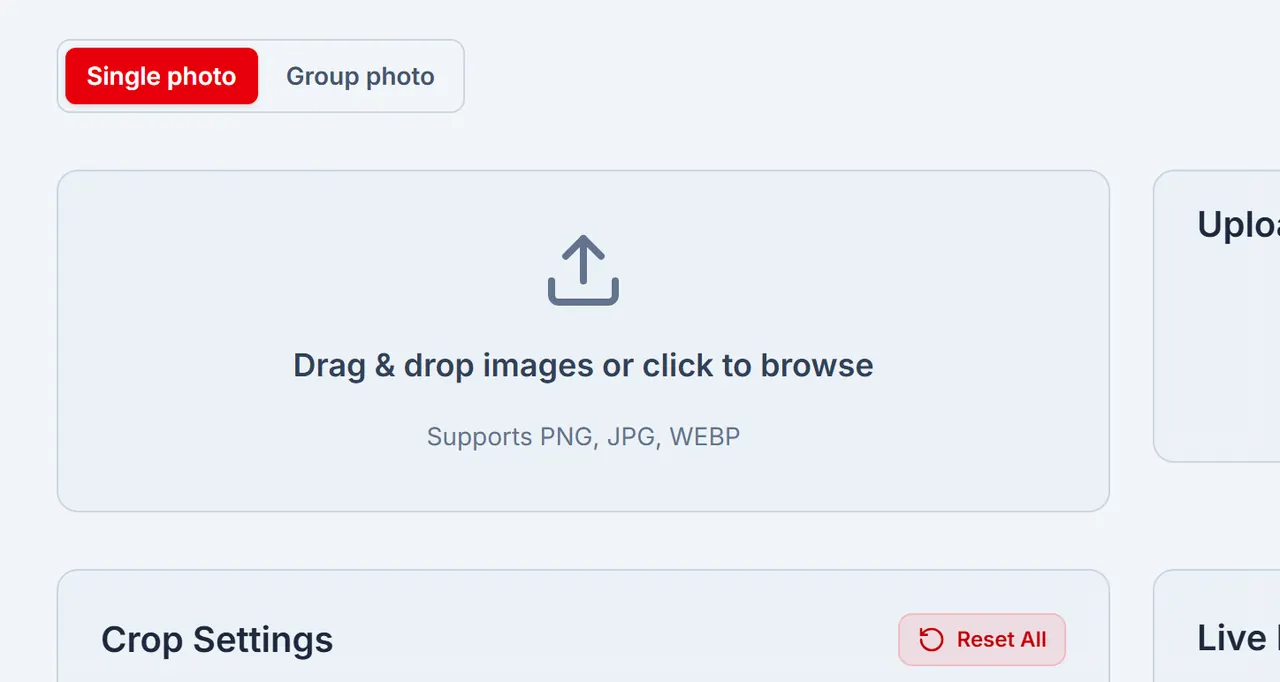
Drop a batch of portraits here. Face Crop Studio finds faces and crops them in your browser. 02/01/26 · e5041be
License keys activate in the browser.
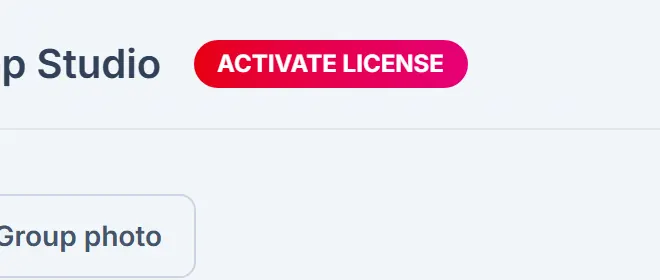
Activate a license from the app header when you are ready to unlock a paid duration. 05/01/26 · 6903521
A cloud background-removal service was added, separate from face detection.
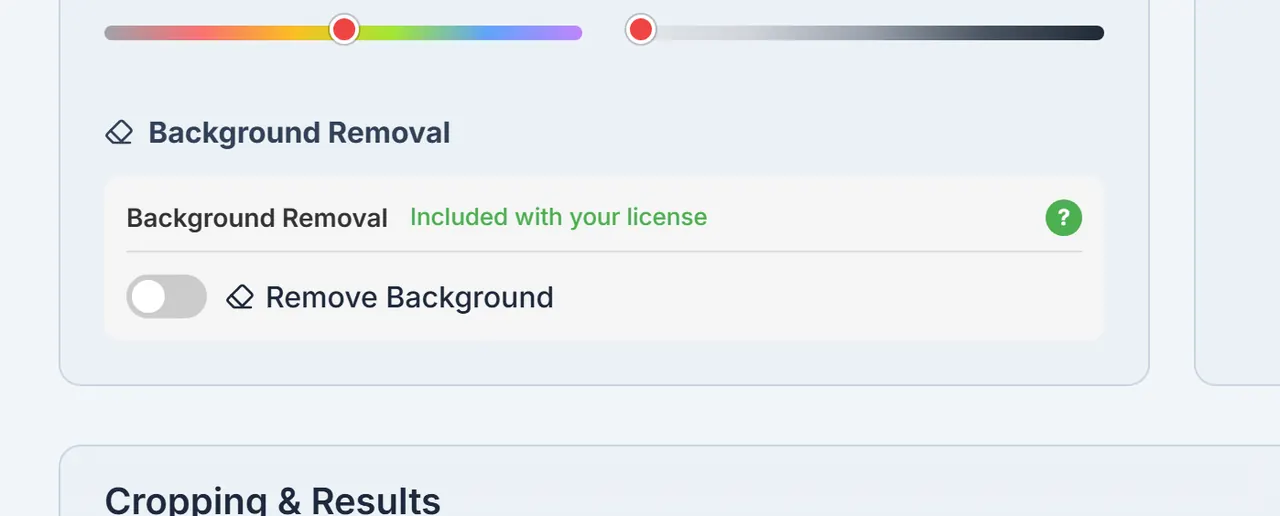
Turn on background removal when you need a white or clear backdrop — it is a separate step from face detection. 21/05/26 · 01eac06
Pricing, FAQ, and the batch-crop guide pages went live.
Open Pricing from this page when you already know you need a license. 01/08/26 · 77b1c03
On-device background removal (Selfie Multiclass) sits beside the cloud path.
Turn on background removal when you need a white or clear backdrop — it is a separate step from face detection. 04/08/26 · ee33797
Background removal moved into Crop Settings.
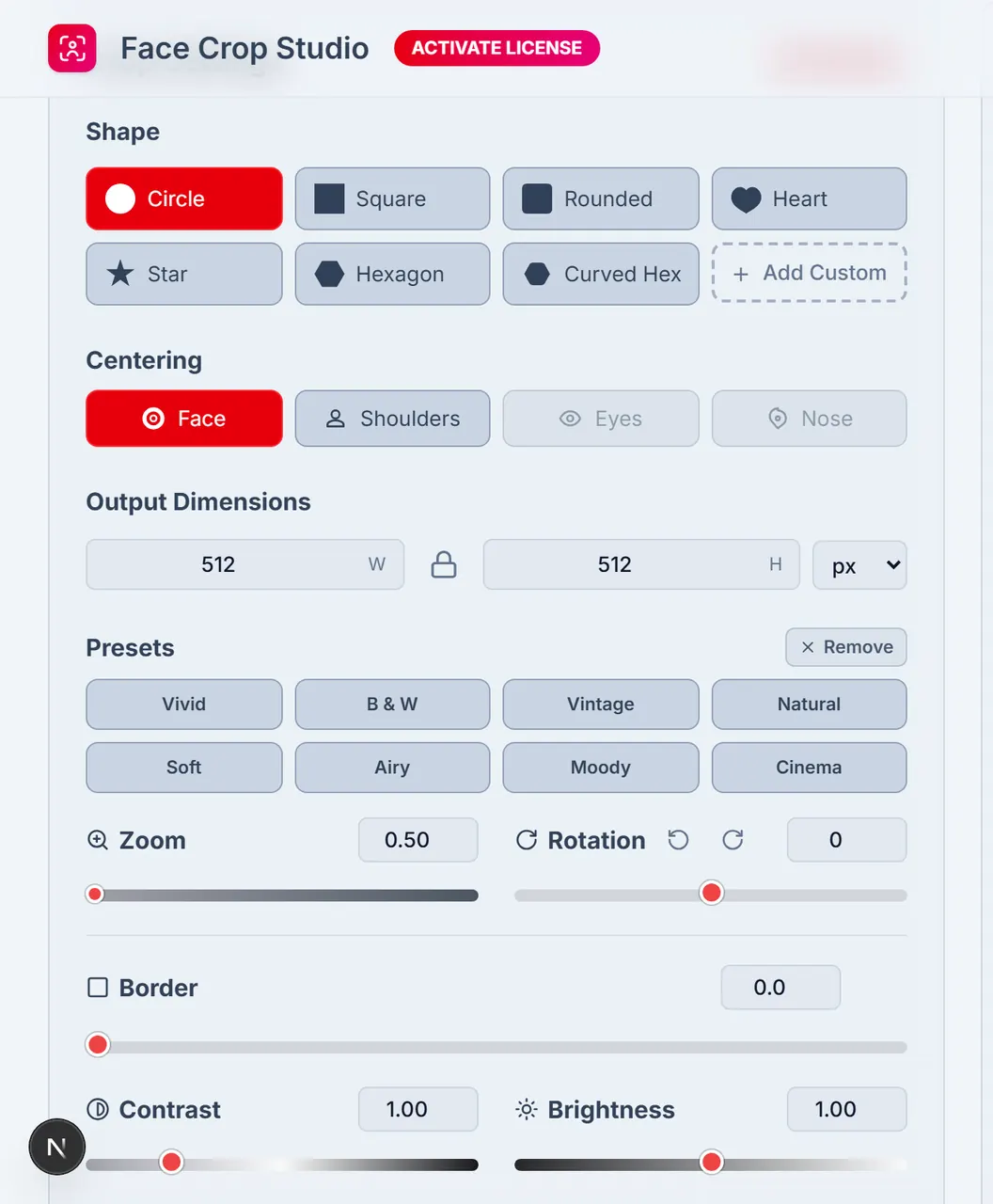
Crop Settings is where you set size, framing, and optional background removal. 09/09/26 · 4397f51
ZIP download requires sign-in.
19/09/26 · 9f9fa68
If the graphics context dies, face detection stops instead of failing the batch in silence.
Where this is going
The work stays in the same place: batch face crops for passport, badge, and ID photos, in the browser, without turning Face Crop Studio into a cloud face API. Background removal remains a separate control you choose in Crop Settings. Support stays on the same email. We will keep teaching the tool in public pages rather than hiding the studio behind an install step. Dates on this page stay tied to commits in IST, not to slogans about age.
Journey questions
When did the public Face Crop Studio website start?
The public website started on 31/12/25, when the marketing home and the studio at /app became separate routes.
Was Face Crop Studio used before the public website existed?
Yes. It was used in-house on our own jobs first. This repo does not record how long that period lasted, so this page does not invent a duration.
Is Face Crop Studio a program you install on a computer?
No. It runs in the browser. There is no desktop installer for this product.
Who builds Face Crop Studio, and how do I contact them?
AbhishekID builds Face Crop Studio. Email support@facecrop.abhishekid.com.
Why does this page use dates like 31/12/25?
Every date on this page is a commit author date in IST, written DD/MM/YY so you can check it against the public git history.
Related pages